See who’s free today.
Kyro shows you the salons around you, with their free times, prices and reviews. You book in seconds and pay at the salon, as you always have.
Free, for iPhone. Coming soon to the App Store.
From the map to the chair.
A booking in Kyro, screen by screen, exactly as you’ll see it in the app.
- 01
Find the salon.
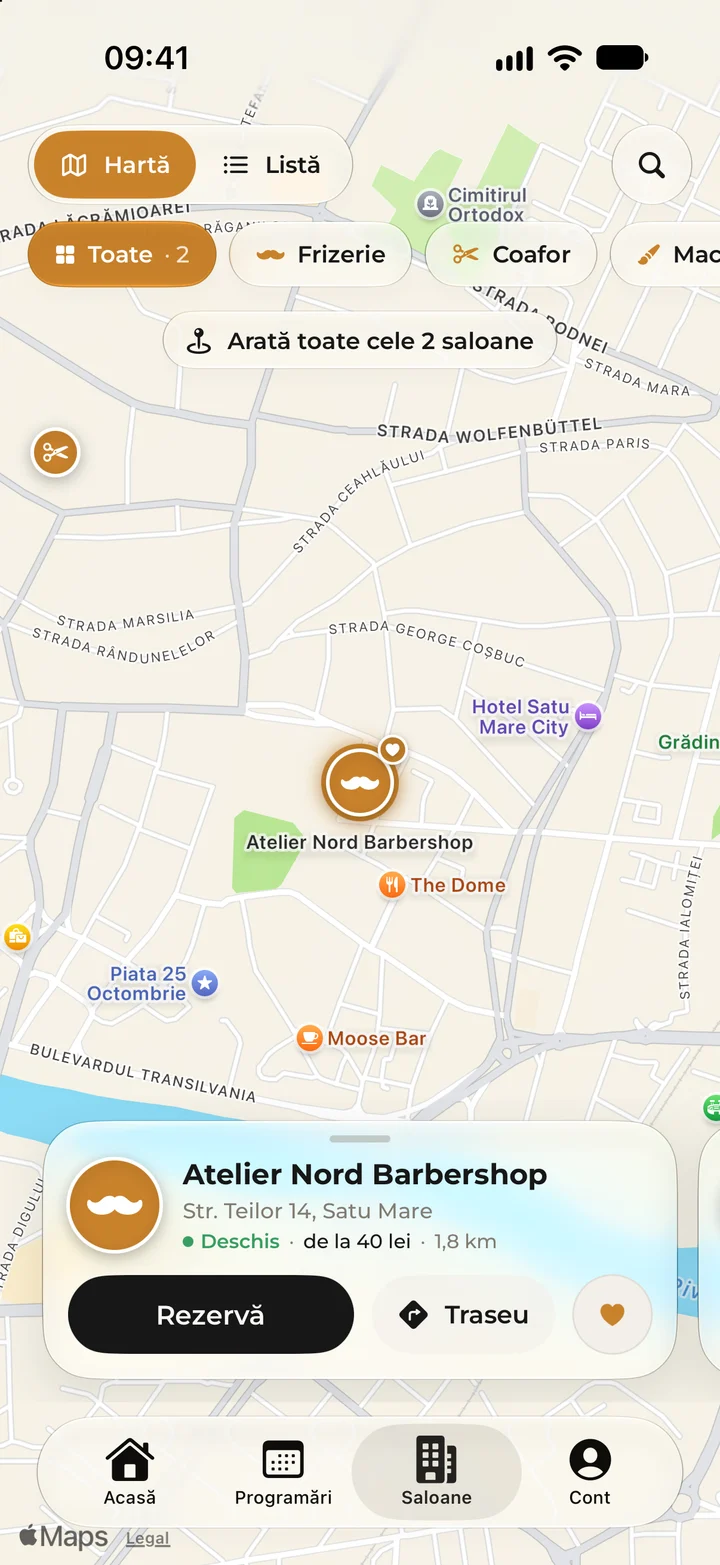
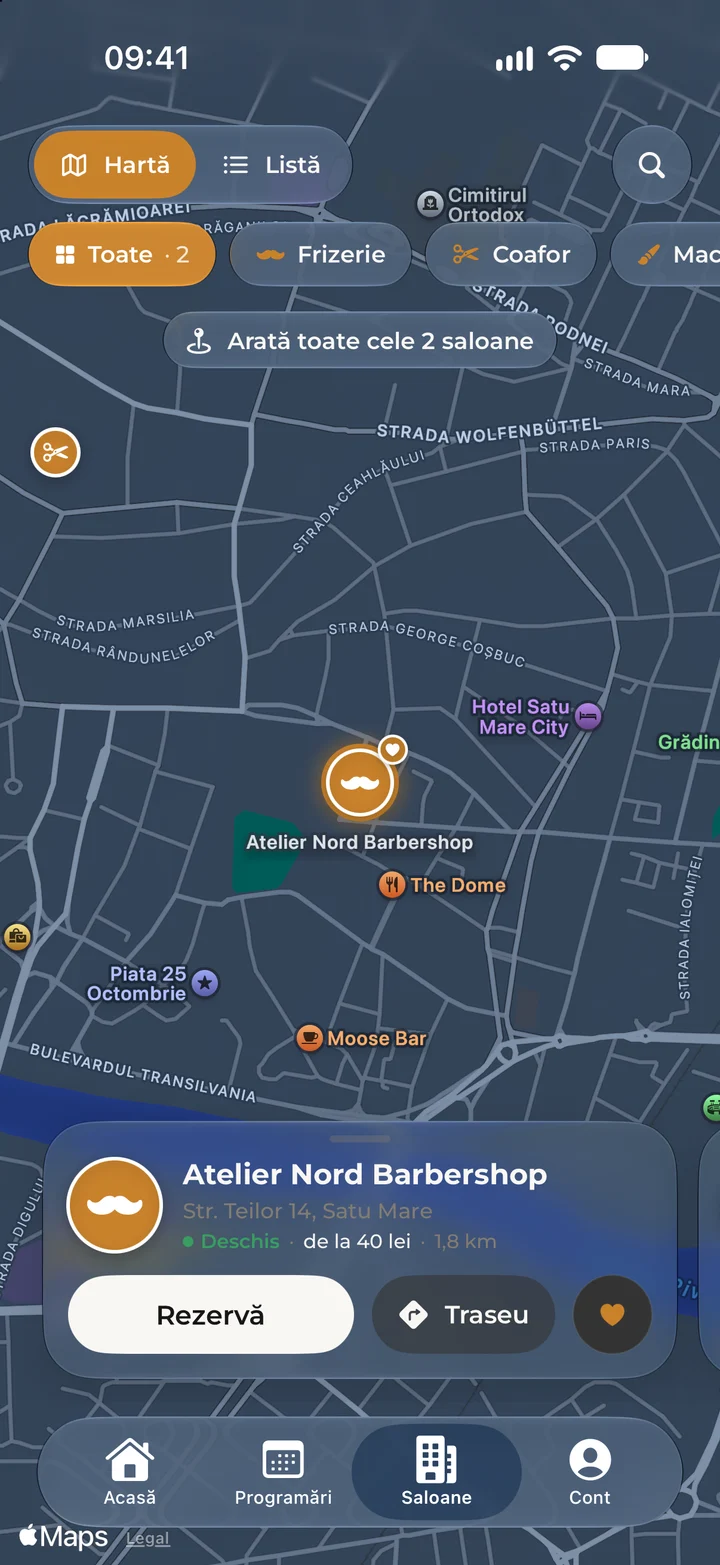
Open the map and see the salons around you. Search by name, street, town or service, and filter by type: barber, hair, nails and more.
- 02
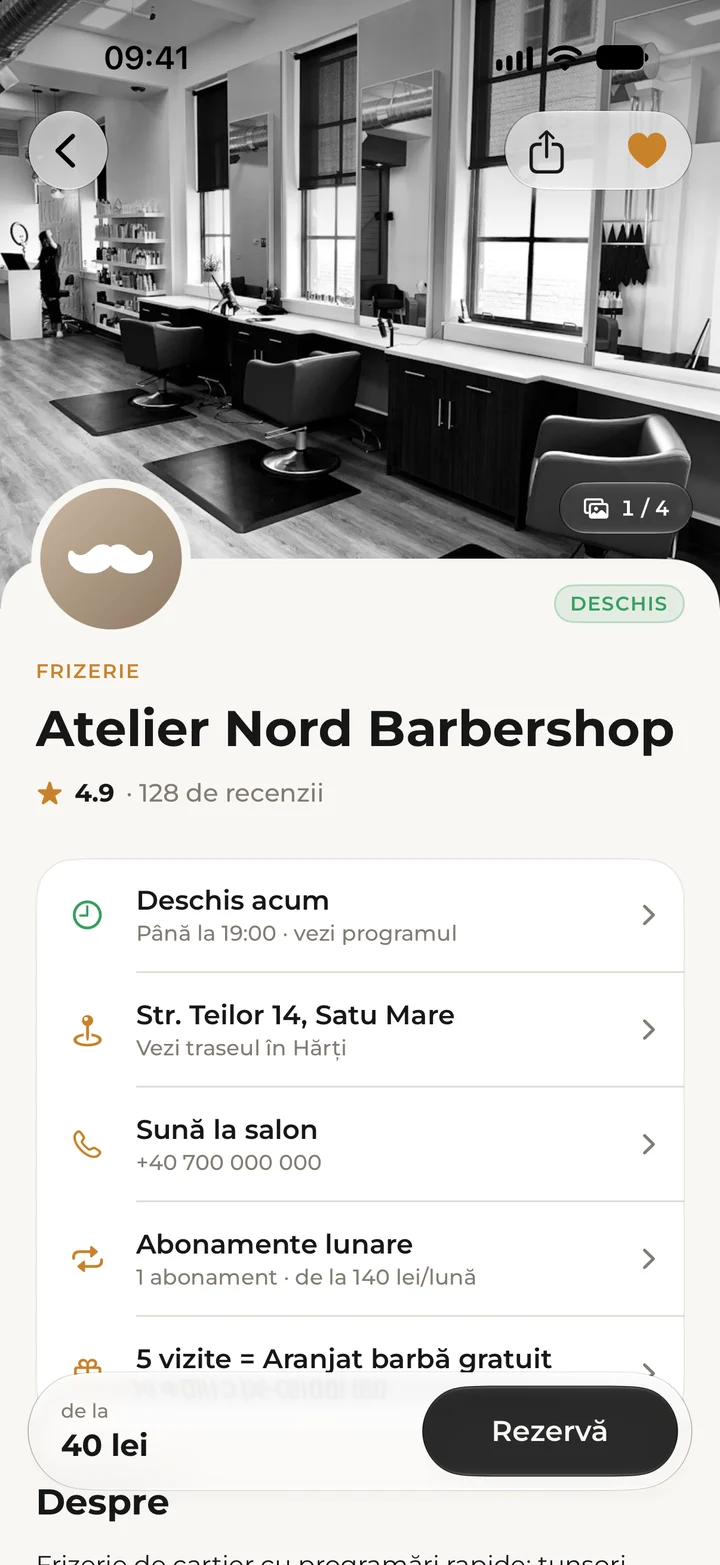
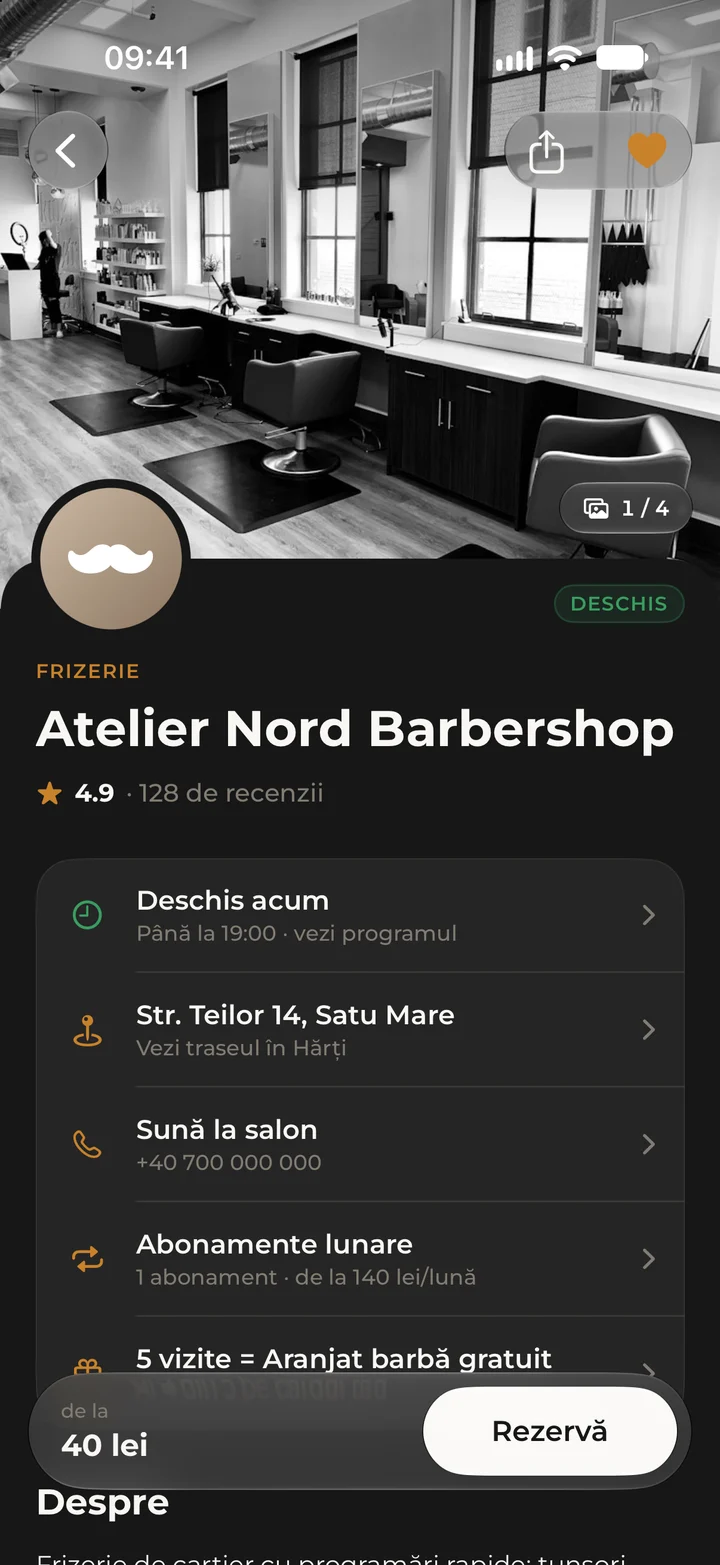
See what it’s like.
The salon page shows the photos, opening hours, address and team. Reviews come only from clients who had a completed appointment there.
- 03
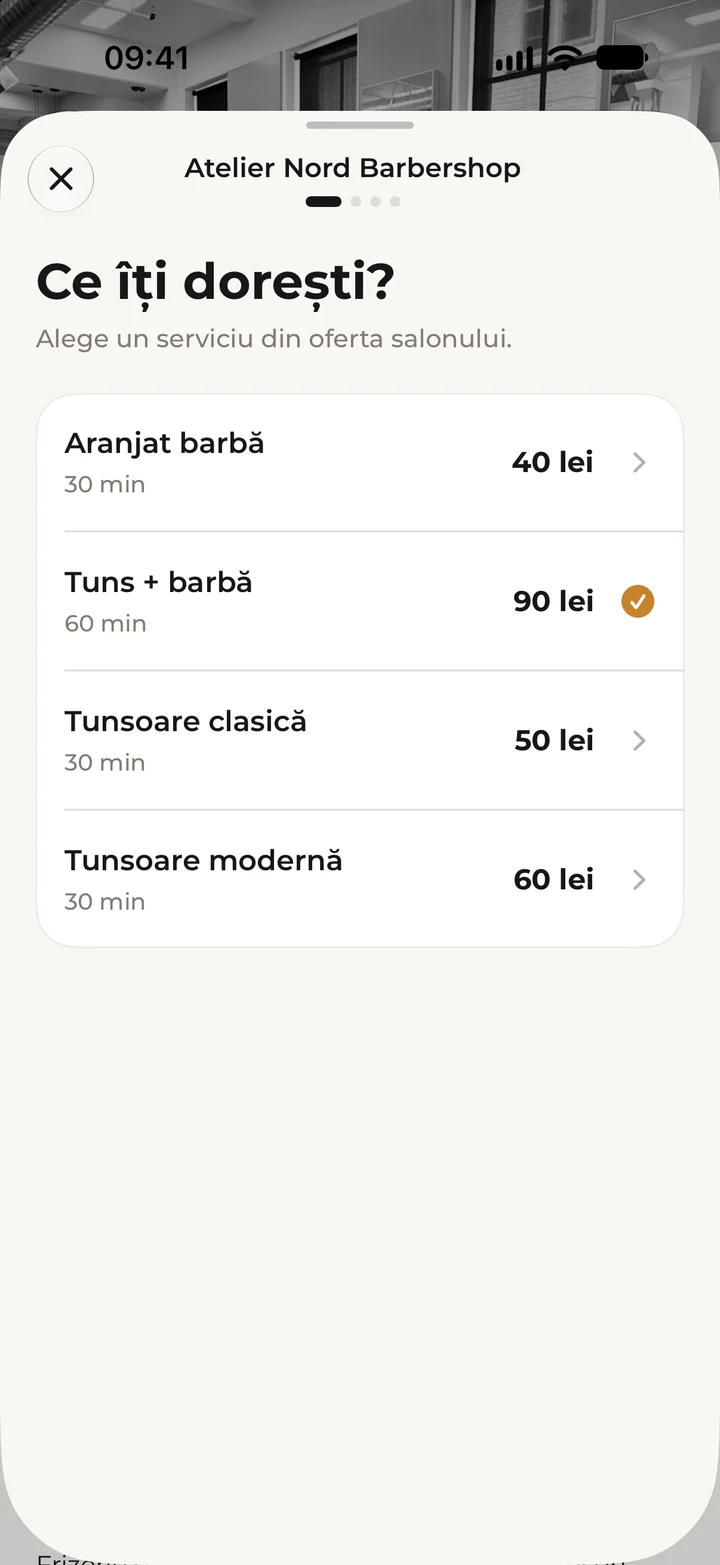
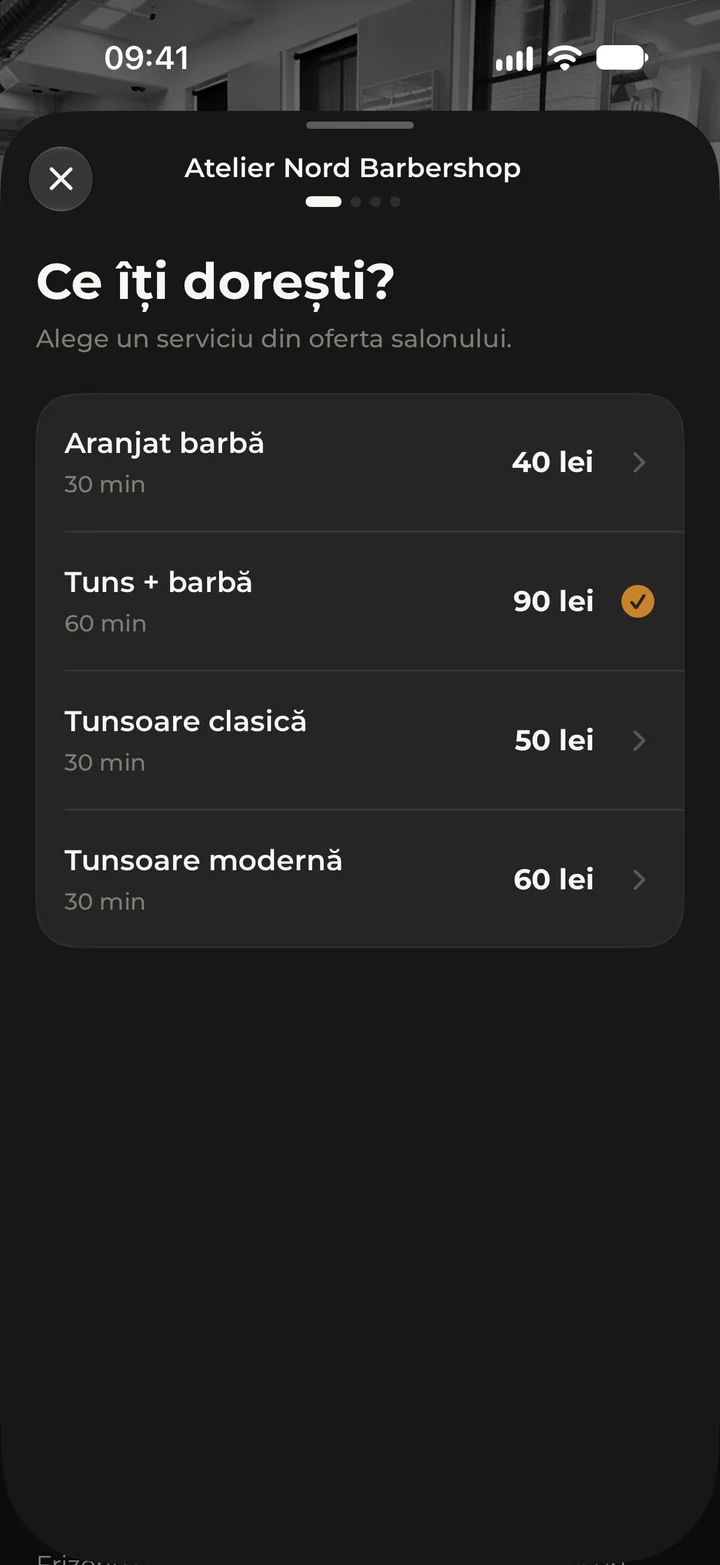
Pick the service.
Every service shows its price and how long it takes. Then choose a specialist, or leave it on “anyone available”.
- 04
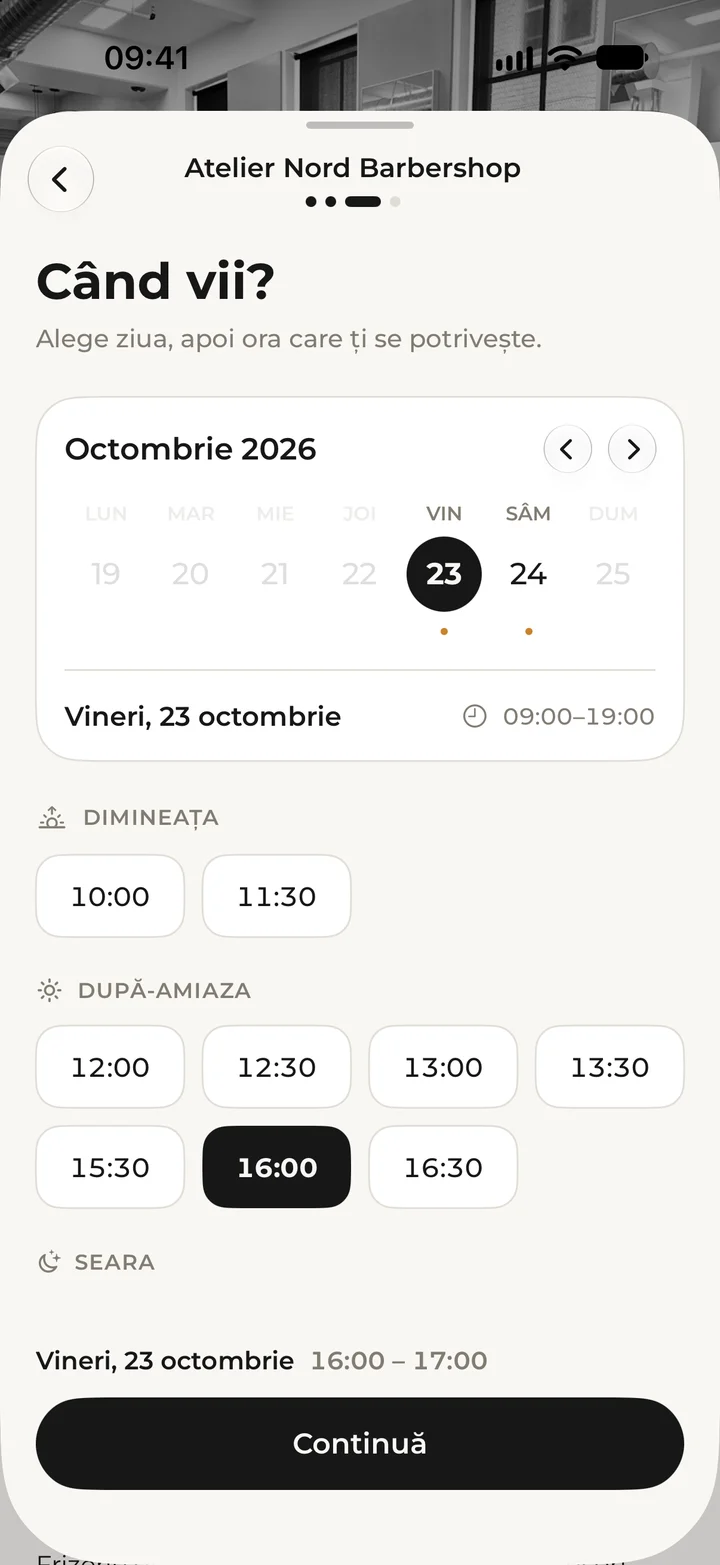
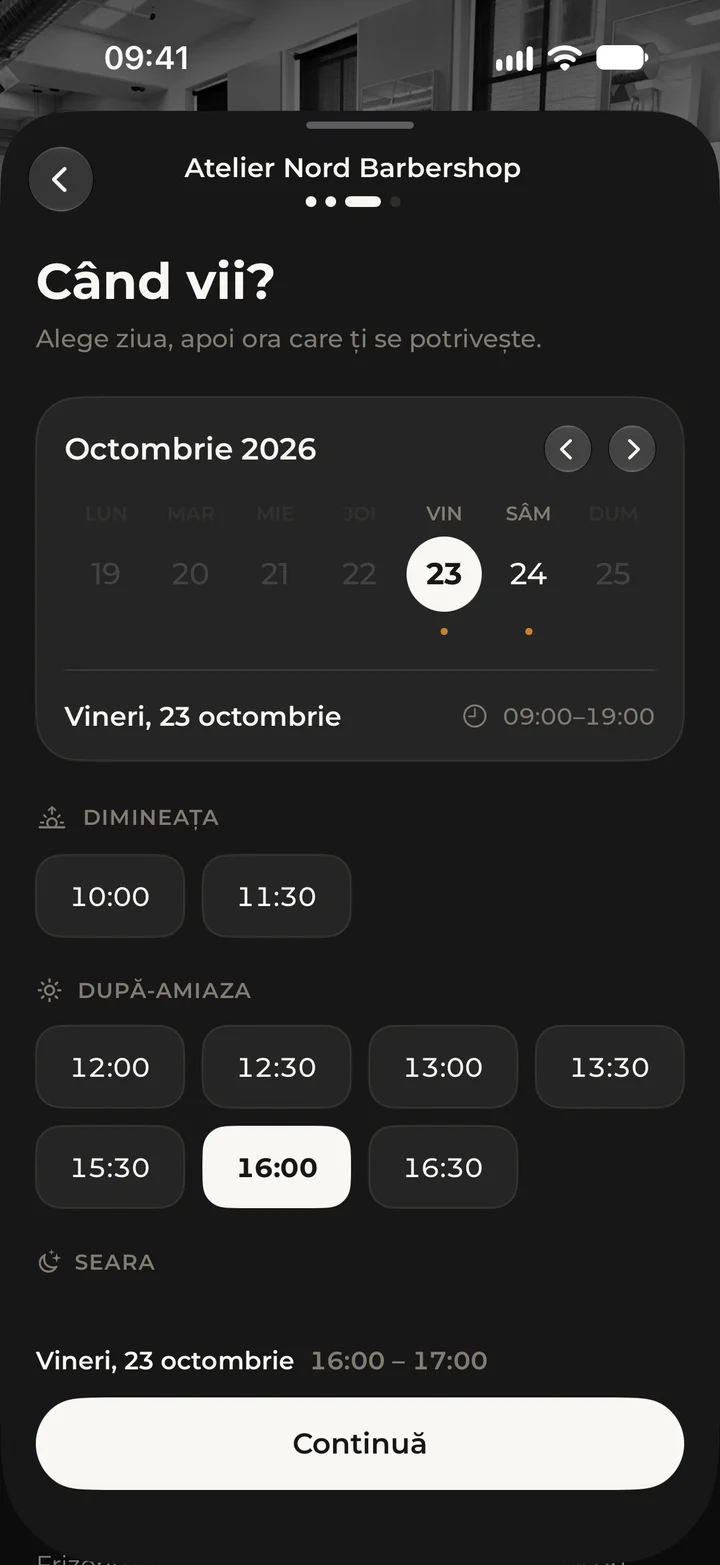
Pick a time.
Kyro shows only the times when the specialist is actually free. Choose the day, then the time that suits you, up to three weeks ahead.
- 05
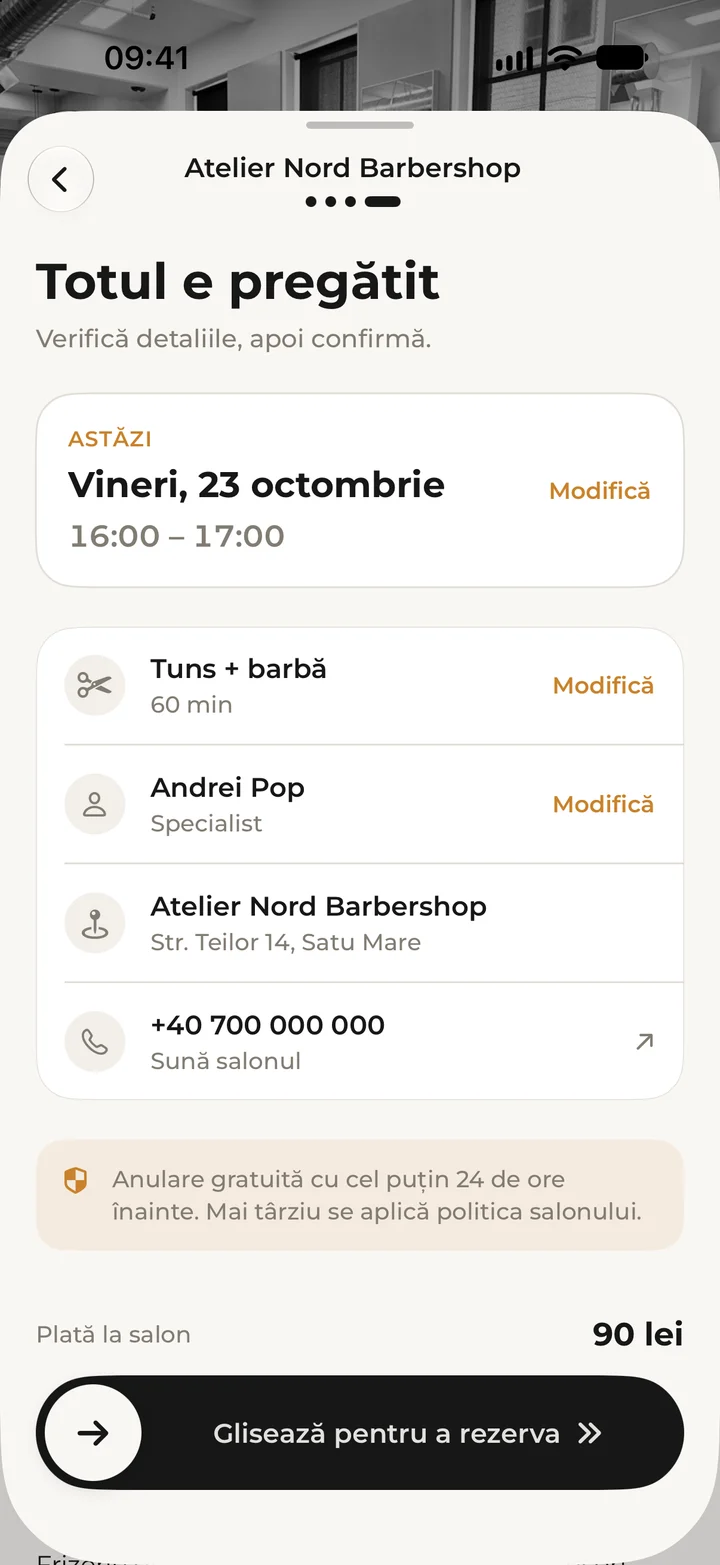
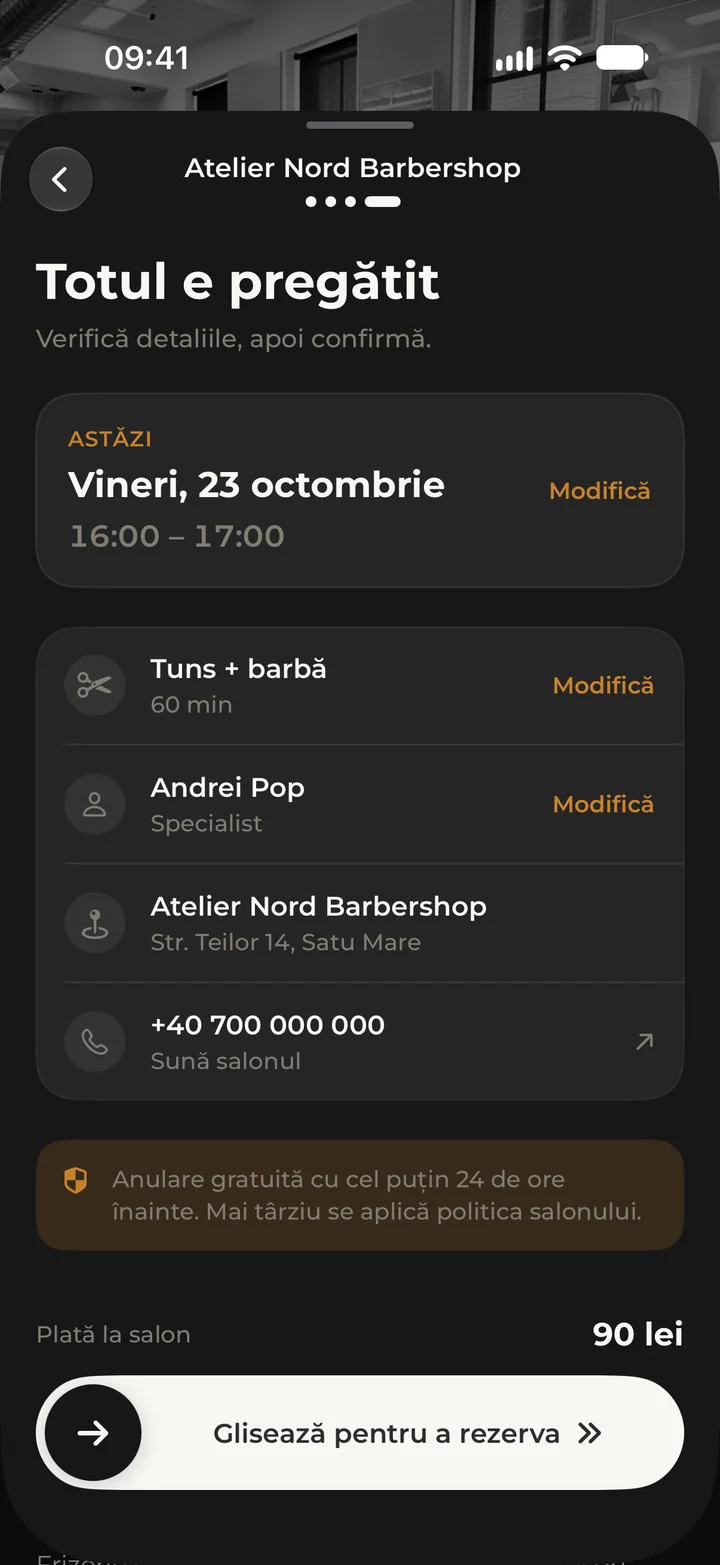
Check, then swipe.
Everything on one screen: the service, specialist, time and price. Swipe the button at the bottom and the appointment is made.
- 06
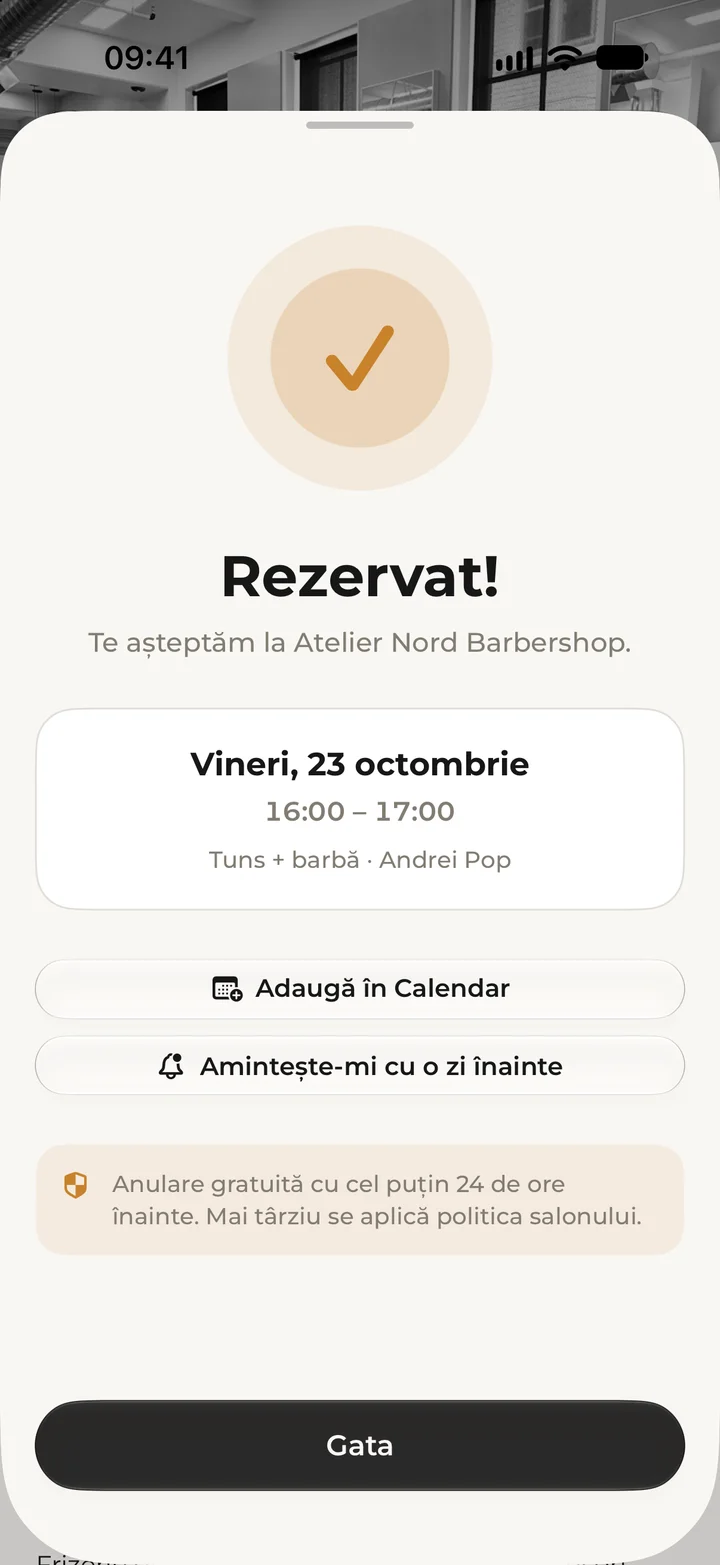
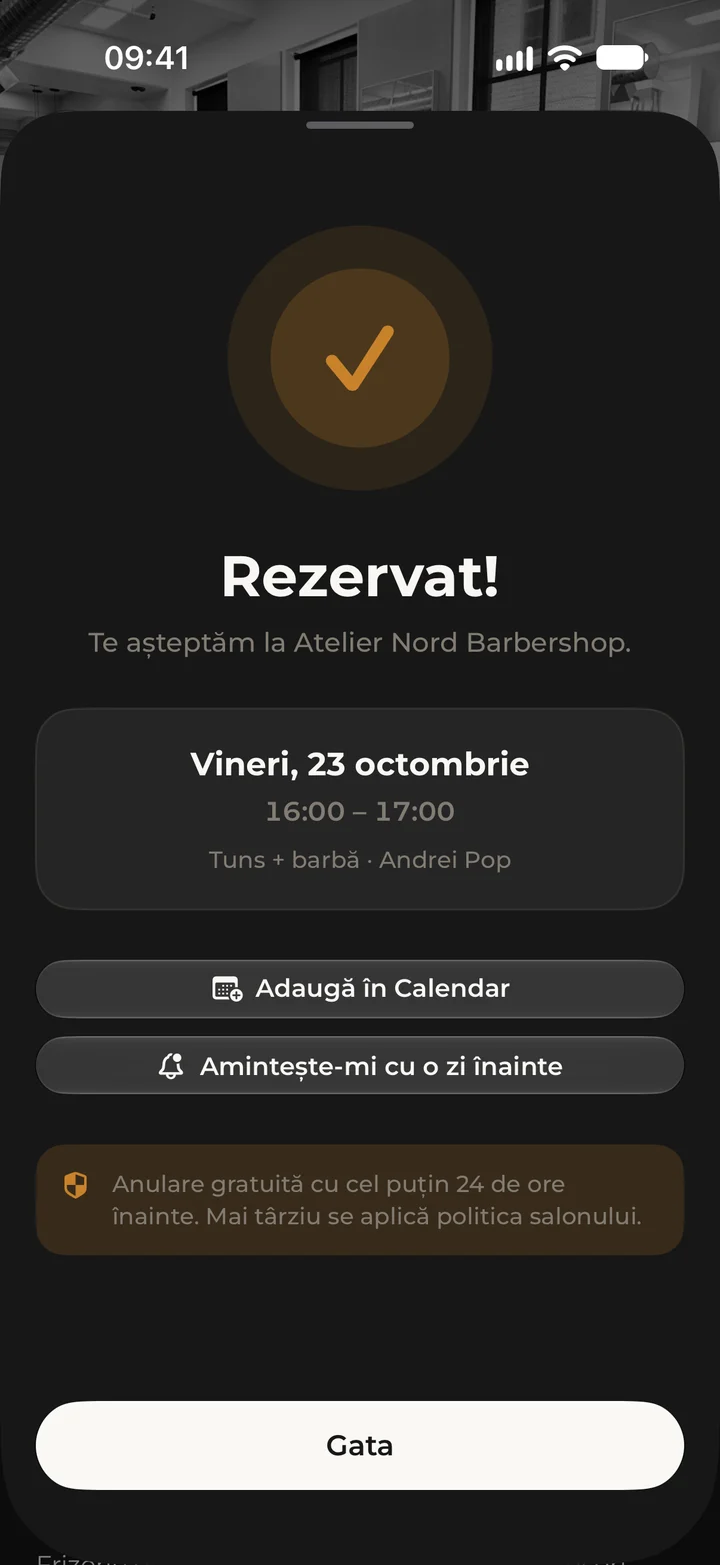
Done, you’re booked.
The confirmation arrives straight away. Add it to your phone’s calendar and ask for a reminder the day before, so you don’t forget.
Swipe for the next step
Once you’ve booked.
Kyro remembers your appointments, loyalty cards and memberships, so you don’t have to.
-
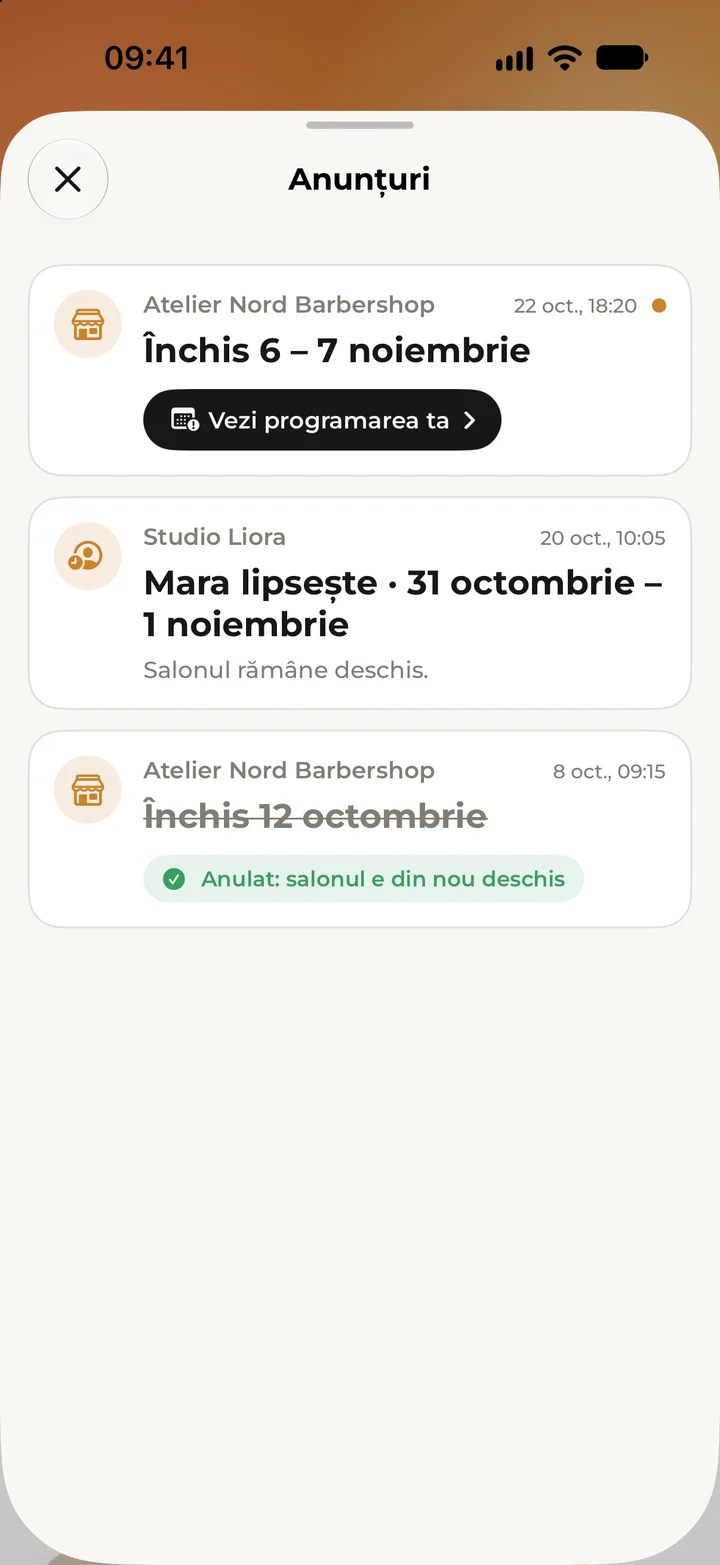
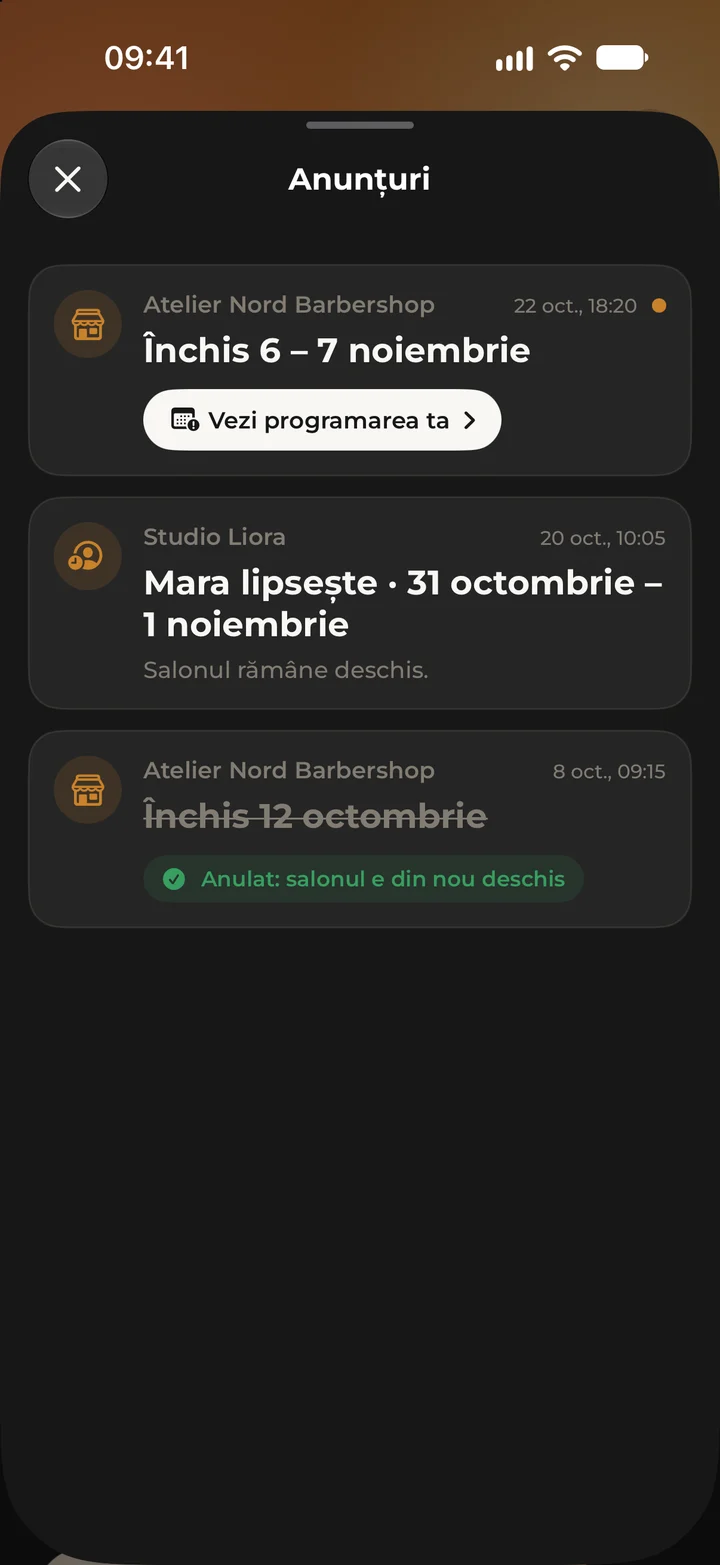
Notices from the salon
If the salon closes, or your specialist is away, on a day you’re booked, you get a notification.
-
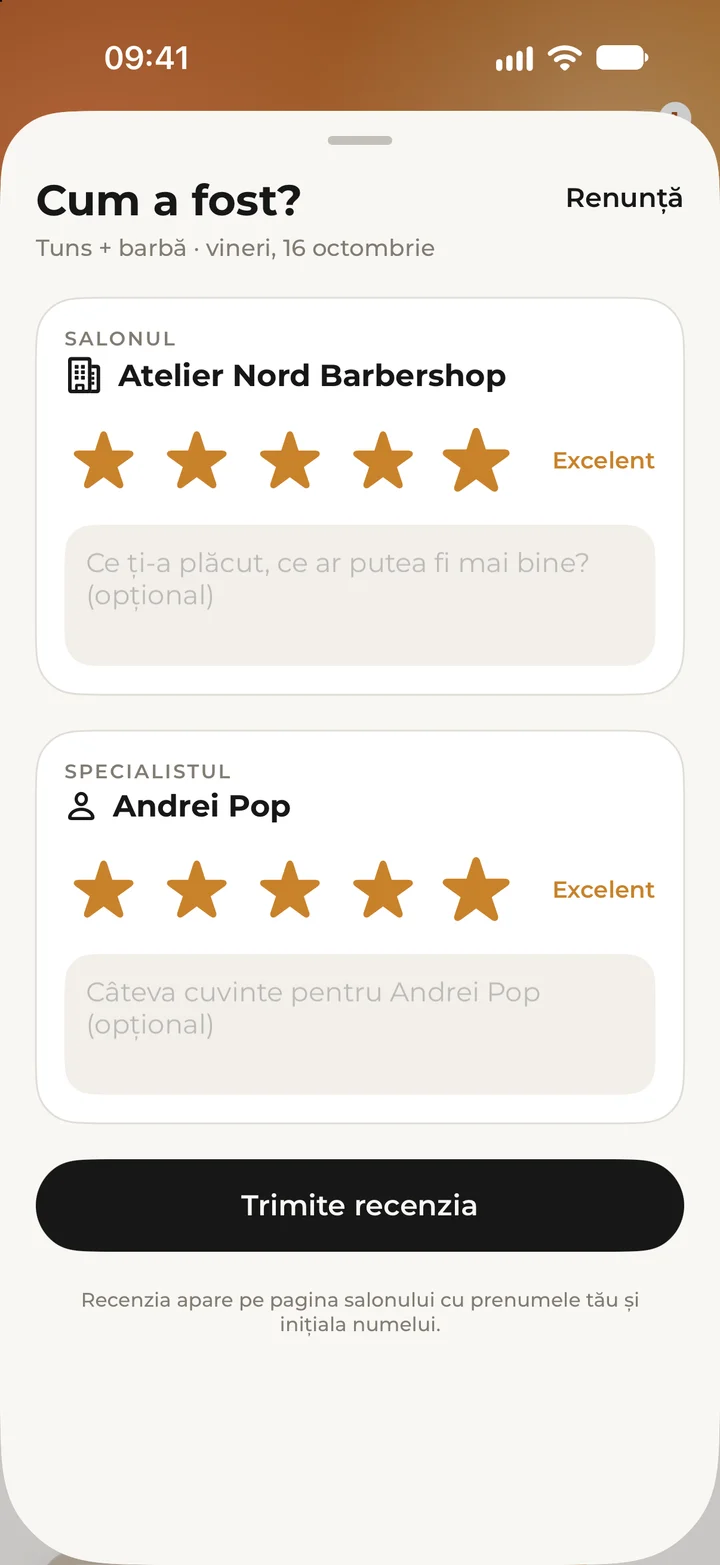
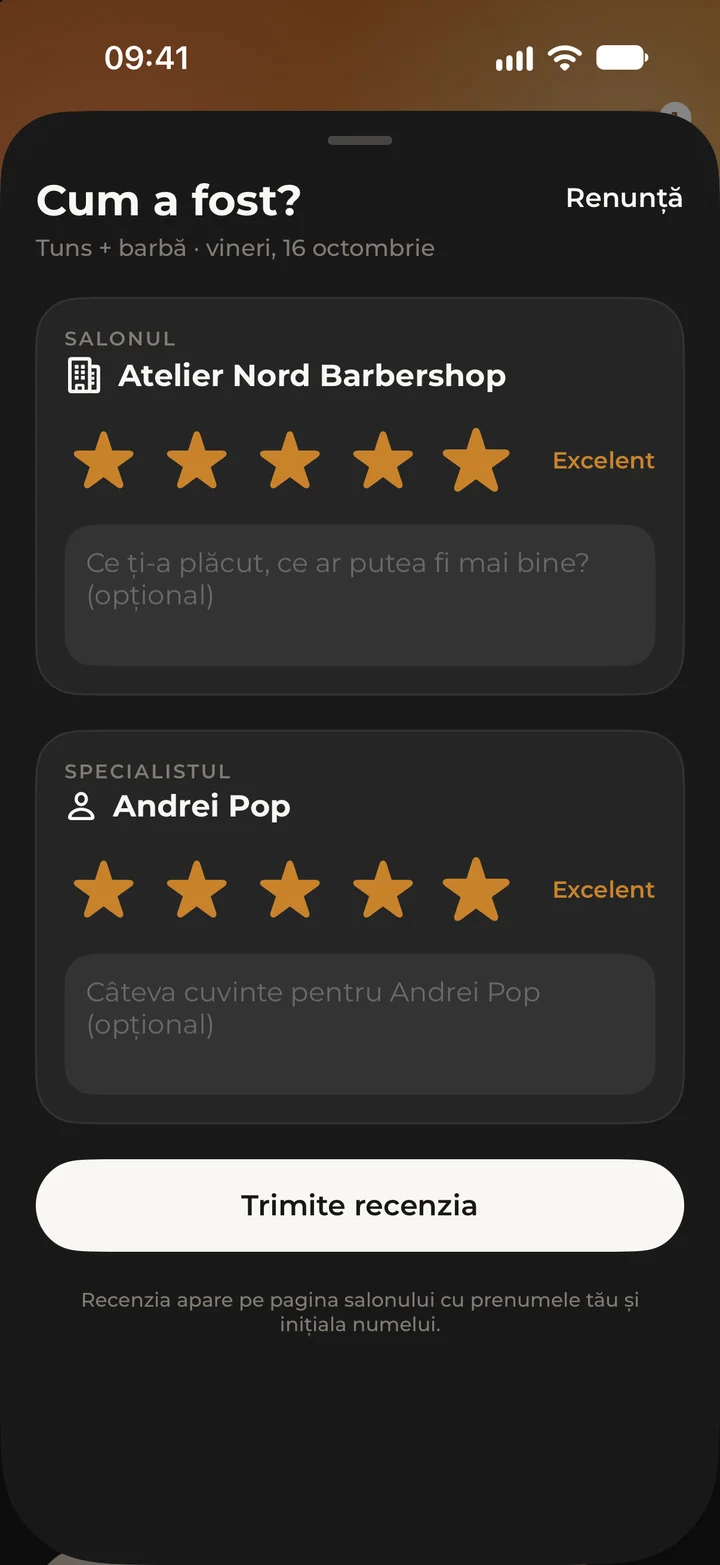
Say how it went
After your visit Kyro asks how it went. Rate the salon and, if you like, the specialist too.
-
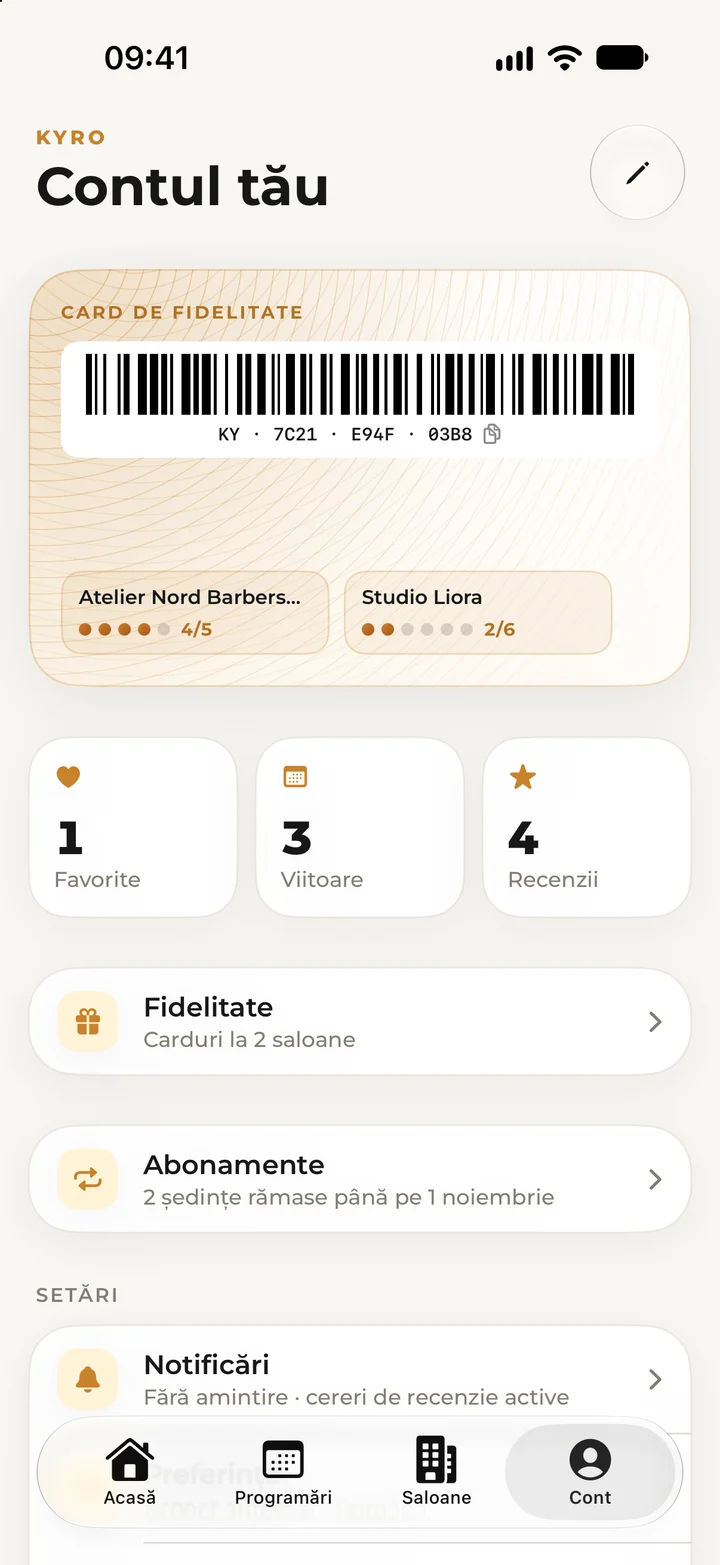
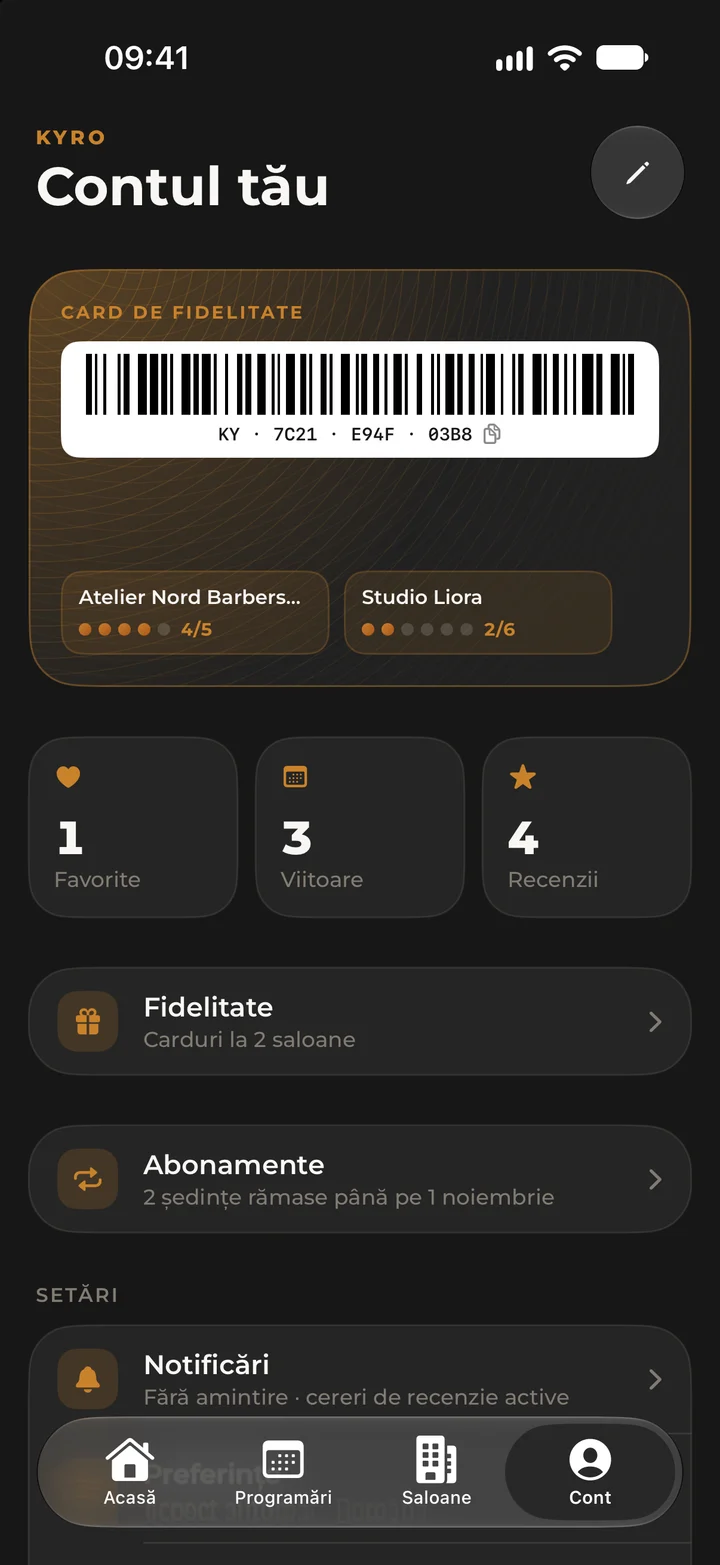
Your loyalty card
Show the barcode at the salon and collect a point for every visit. When the card is full, book your reward for free.
-
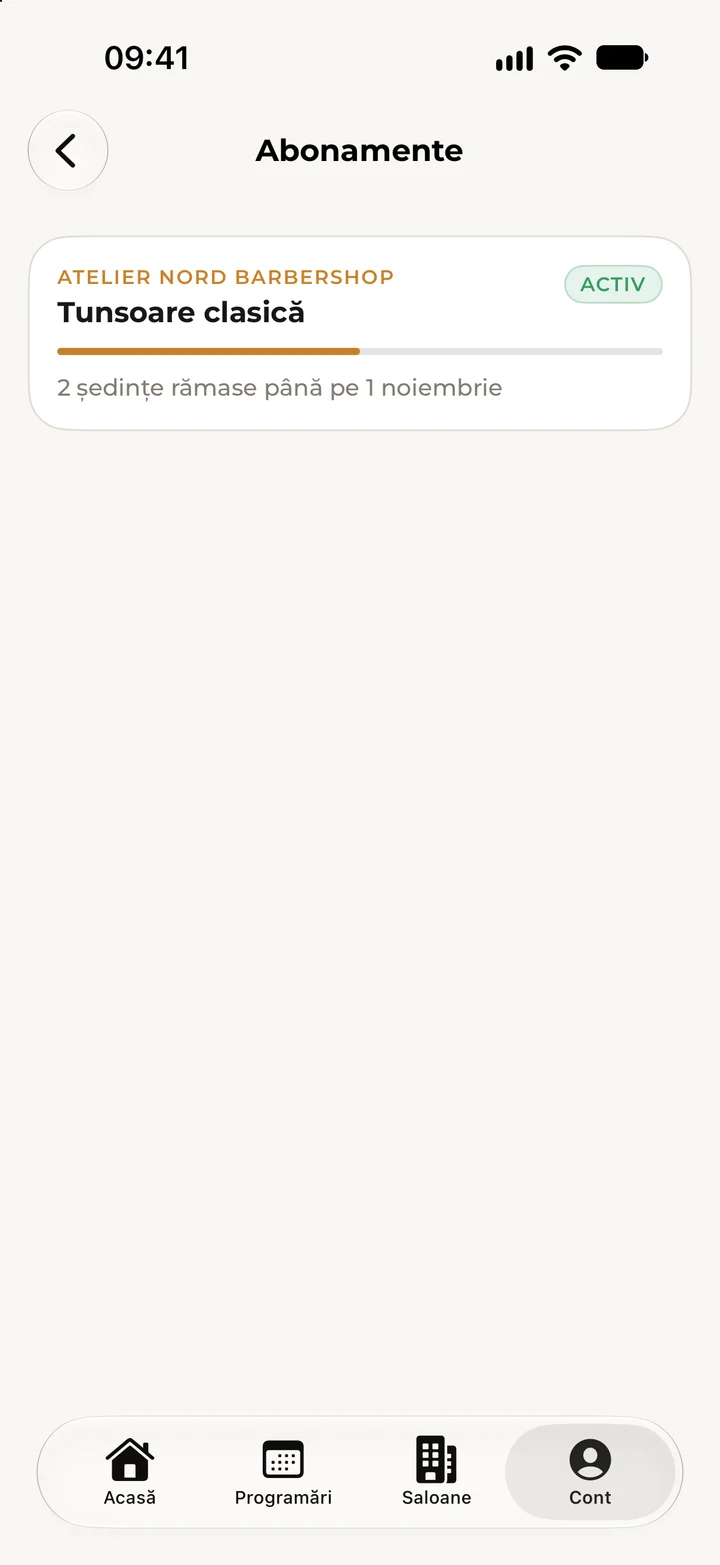
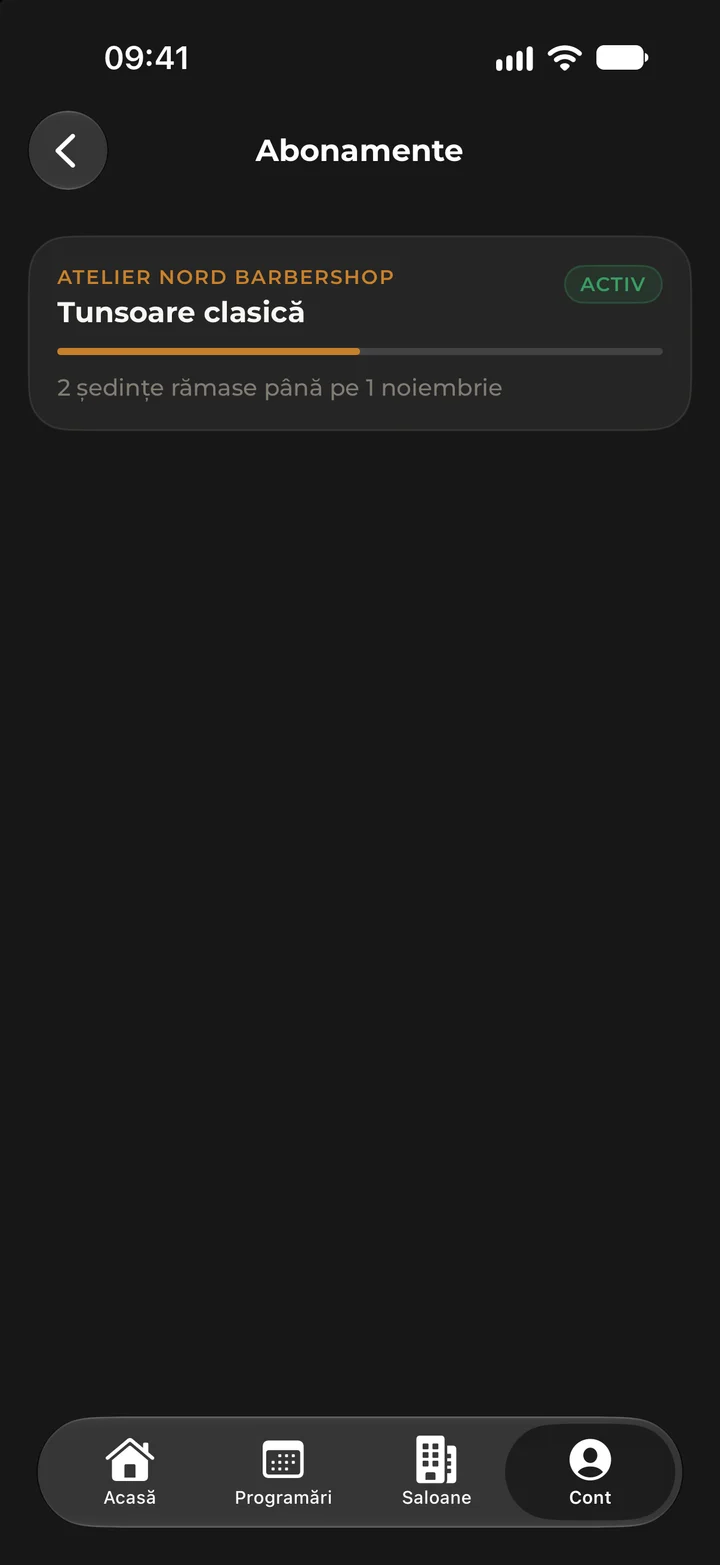
Memberships
Some salons offer monthly memberships with sessions at a lower price. See how many you have left this month, and pay for the month at the salon.
-
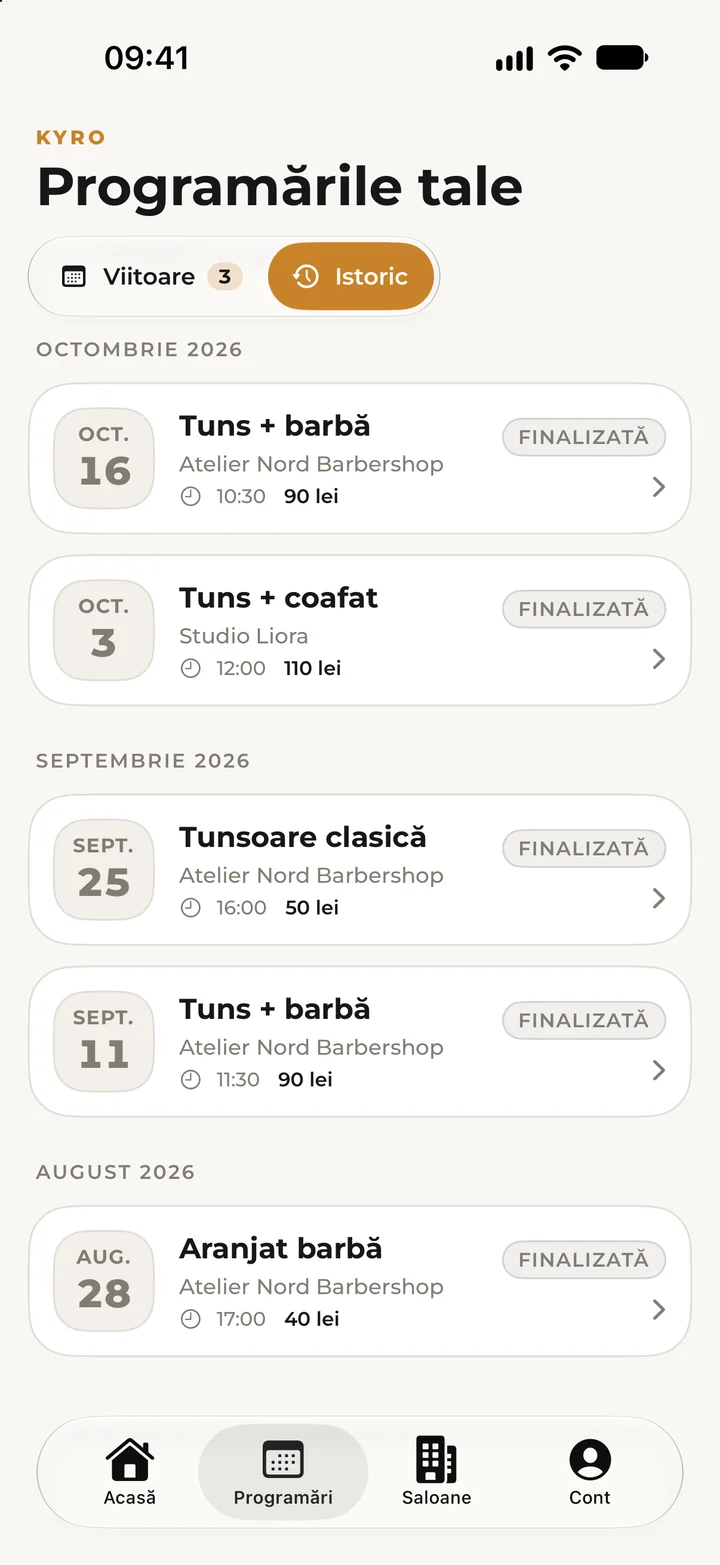
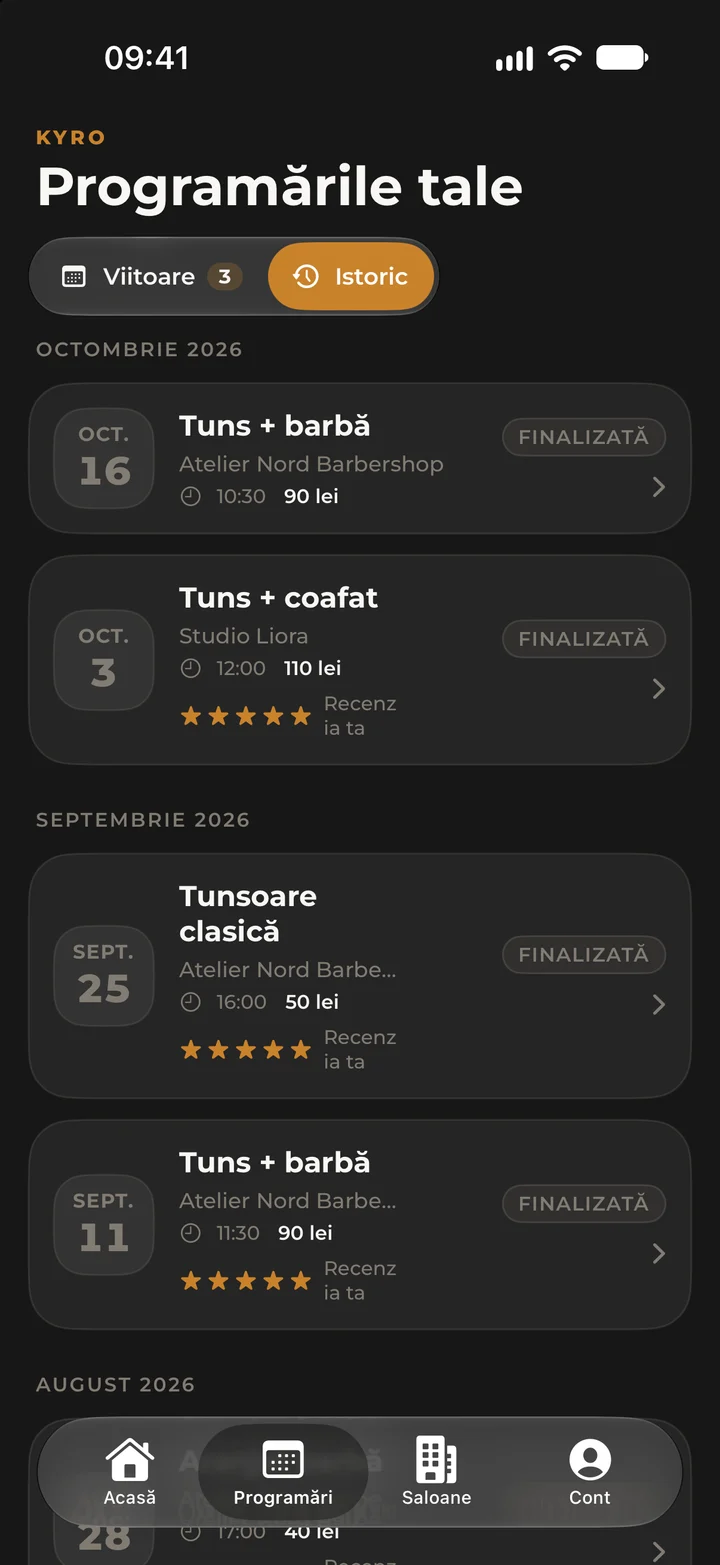
Your visit history
Every visit, month by month, with the reviews you left. Book the same service with the same specialist again from here.
Good to know.
-
You pay at the salon
You pay nothing through Kyro. You pay the salon directly, after your visit.
-
Free for clients
The app costs nothing and has no ads.
-
Cancel in the app
Free until the deadline the salon sets, usually 24 hours before.
-
One account for every salon
Appointments from all your salons, in the same place.
-
In your phone’s calendar
Appointments can sync with Calendar and update themselves if anything changes.
-
Dark mode
The app follows your phone’s appearance, or you choose light or dark yourself.
Your favourite salon, one swipe away.
Kyro is coming to iPhone soon. The Android version is on its way.